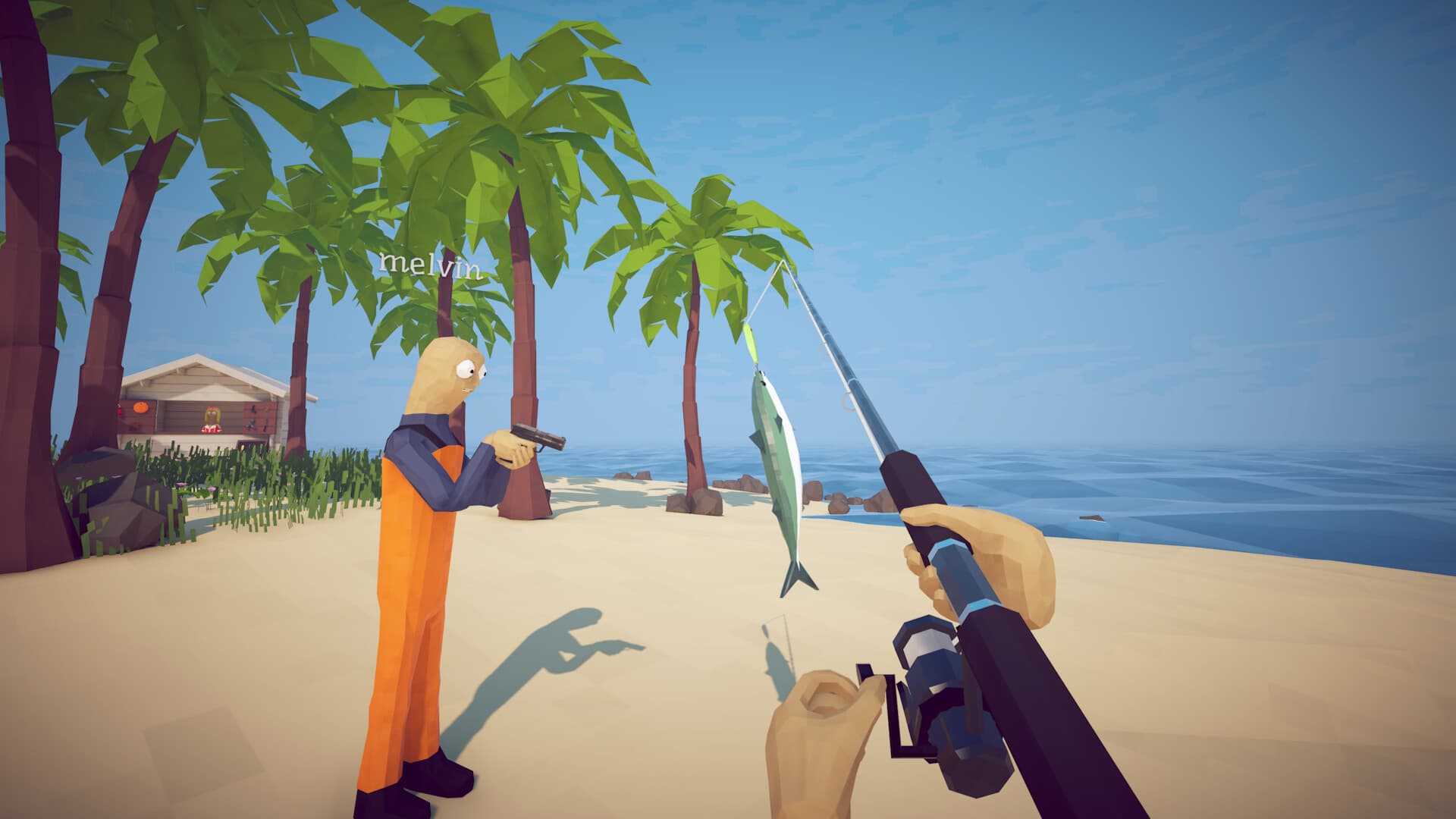
Patch 1.0.4 expanded How to Fish lobbies to as many as 8 players. Have the host fully load before sending invites and keep every player on the same build. Patch 1.0.12 updates MetaVoice to 4.3 in hopes of fixing voice-chat bugs and stops FishNet from overriding Max FPS when joining a lobby, but unresolved invites still need controlled testing.
- Players
- Up to 8 after Patch 1.0.4
- Platform
- Steam on Windows
- Known issue
- Invites can return to title
- Progress advice
- Back up the host save
Choose a stable host
The host should be the player with the most stable connection and the save that the group intends to continue. Before inviting anyone, the host should load the island completely and confirm normal movement, inventory, and interaction.
Back up the host's Saves directory before a long session. Launch-week community reports include missing or corrupted save entries, and multiplayer disconnects can happen without warning.
Start and join a session
Create or load the intended game from the main menu, choose the desired privacy mode, and wait until the host is fully in the world. Send the Steam invite after the session is active rather than while both players remain on the title screen.
The joining player should accept through the Steam overlay or use the game's Join Game flow and session information. If an invite opens the game but drops back to the title screen, restart both Steam clients before repeatedly retrying the same stale invite.
- Confirm both players are running the same game build.
- Keep Steam status online and allow the overlay for How to Fish.
- Load the host session completely before sending an invite.
- Do not test connection fixes on the only copy of a long progression save.
Fix Steam Family View invite failures
One repeatable community report links failed invites to Steam Family View. If Steam requires a PIN before opening the Store or community features, unlock Family View first, then resend the invite from the active session.
This is not a universal fix, but it is low risk and worth checking before reinstalling the game or changing network settings.
When existing saves will not accept invites
Several players report that invitations work on a new game but fail when an older save is loaded in invite-only mode. Test a temporary new session to separate a global Steam problem from a save-specific problem.
If the temporary session works, preserve the old save and wait for a patch or official response rather than deleting it. A successful blank session does not prove that the progression file is permanently broken.
Reduce crashes and random disconnects
Verify game files in Steam, close overlays other than Steam, lower expensive graphics settings, and avoid running several capture or monitoring tools during the test. The goal is to remove variables before deciding the session itself is at fault.
Patch 1.0.12 updates MetaVoice to 4.3 in hopes of fixing voice-chat bugs and prevents FishNet from overriding Max FPS when joining. If one player still disconnects, loses voice, or sees a changed frame cap, switch host for a temporary game and record the build, island, devices, and action that preceded it.
Frequently asked questions
How many players does How to Fish support?
The original Steam listing says 1-4, but official Patch 1.0.4 expanded lobbies to support up to 8 players.
Why does a Steam invite return me to the title screen?
This is a currently reported launch-week issue. Load the host session first, restart both Steam clients, unlock Family View if active, and test a temporary new session.
Should I delete a save that will not accept invites?
No. Back it up and test multiplayer with a disposable new save. Save-specific invite problems may be fixed by a later patch.
Sources
Facts were normalized and independently rewritten from the references below. Community strategies can become outdated after patches.