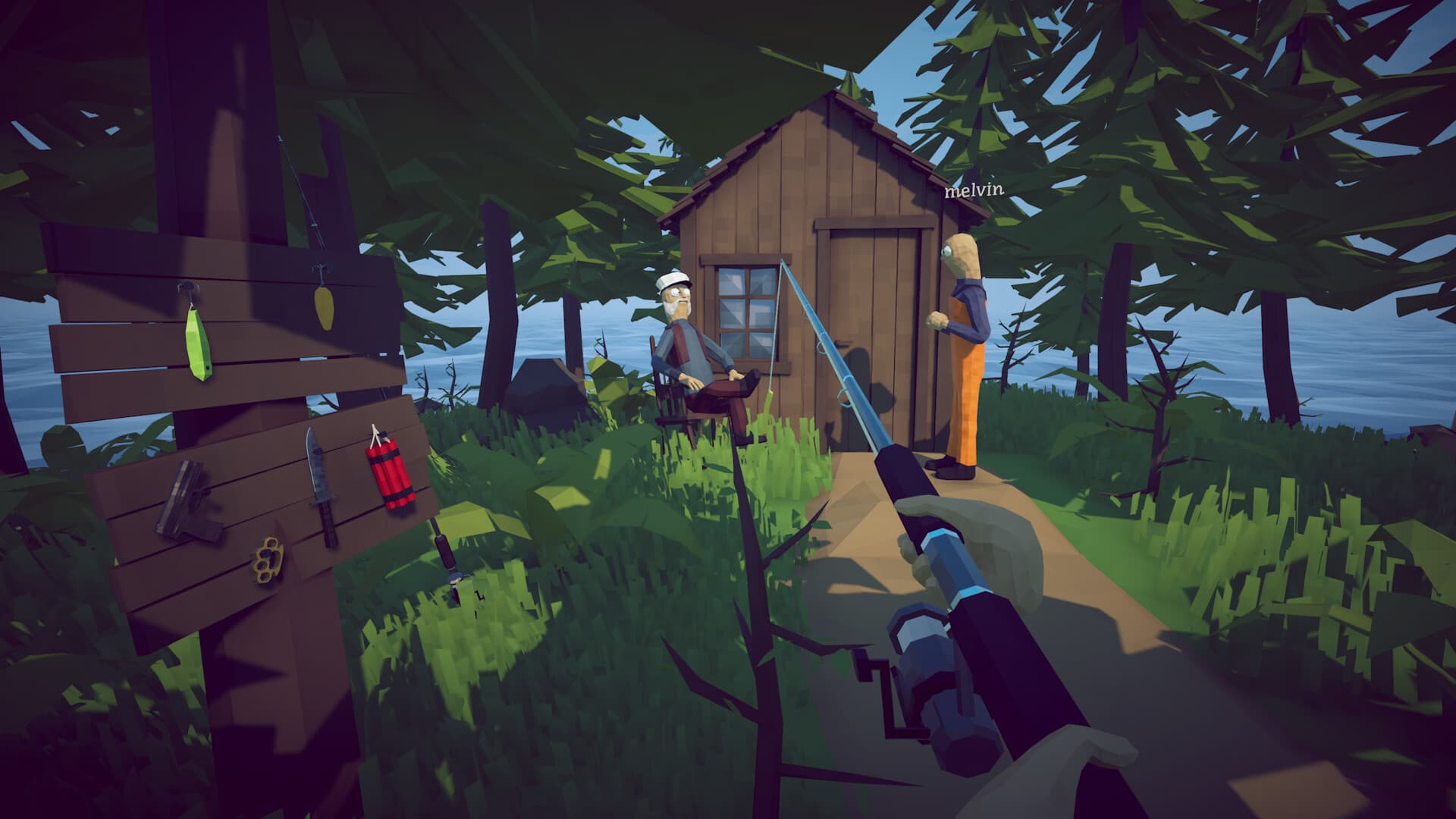
Confirm Patch 1.0.12, restart Steam, verify game files, and reproduce the problem in a temporary session before changing saves or Windows security settings. Steam Cloud now syncs saves, while 1.0.11 validates and backs them up; a separate dated local copy remains the safest starting point.
- First check
- Patch 1.0.12
- Protect first
- Back up Saves
- Test method
- One variable at a time
- Report
- Version + exact symptom
Game will not launch
Record the complete Unity version or Windows error before changing anything. Restart Steam, remove temporary launch options, verify installed files, and update the active GPU driver from its vendor.
If the red Unity window shows 6000.4.4f1, follow the dedicated crash guide. Do not download replacement DLLs or delete engine folders from an unverified post.
Game runs but stutters or uses high GPU
Patch 1.0.12 stops FishNet from overriding Max FPS when joining a lobby and preloads music to avoid the first Radio purchase lag spike. Confirm the active frame cap after joining before investigating a remaining issue.
Set a deliberate cap, compare fullscreen and borderless mode, and lower mouse polling temporarily. Use the performance guide to separate camera stutter, tearing, Radio loading, and consistently high render load.
Fishing controls or fish behavior seem broken
Confirm the rod, lure, and island tier before treating a long dry streak as a bug. Re-equip the rod, cast in a different valid area, and test in a solo temporary session.
If the line moves but reeling does not behave as expected, review the current hold-control sequence in the fish-not-biting guide before replacing the save.
Multiplayer invite, black screen, or disconnect
Make sure every player is on the same version, let the host load fully, and create a fresh invite. A temporary new session distinguishes a Steam or relay failure from one damaged world.
Never delete the long-running host save to test a join fix. Back it up and keep the failed case for a reproducible report.
Missing item, boat, or save
Patch 1.0.10 attempts to fix items falling through the level and now persists up to 64 ground items, but that does not guarantee recovery of objects already missing. Back up the current save before reloading or moving files.
For generic Game Name entries, isolate suspected save files instead of deleting them. Use the save guide for the exact Windows path and rollback sequence.
Frequently asked questions
What should I try first when How to Fish breaks?
Restart Steam, confirm Patch 1.0.12, verify game files, and reproduce the issue once in a disposable session after backing up saves.
Should I delete my save to fix multiplayer?
No. Back it up and test a new temporary session. A failed join does not prove the save is unrecoverable.
Where should I report a reproducible bug?
Use the official community Discord or Steam discussions and include version, platform, session type, island, and exact reproduction steps.
Sources
Facts were normalized and independently rewritten from the references below. Community strategies can become outdated after patches.