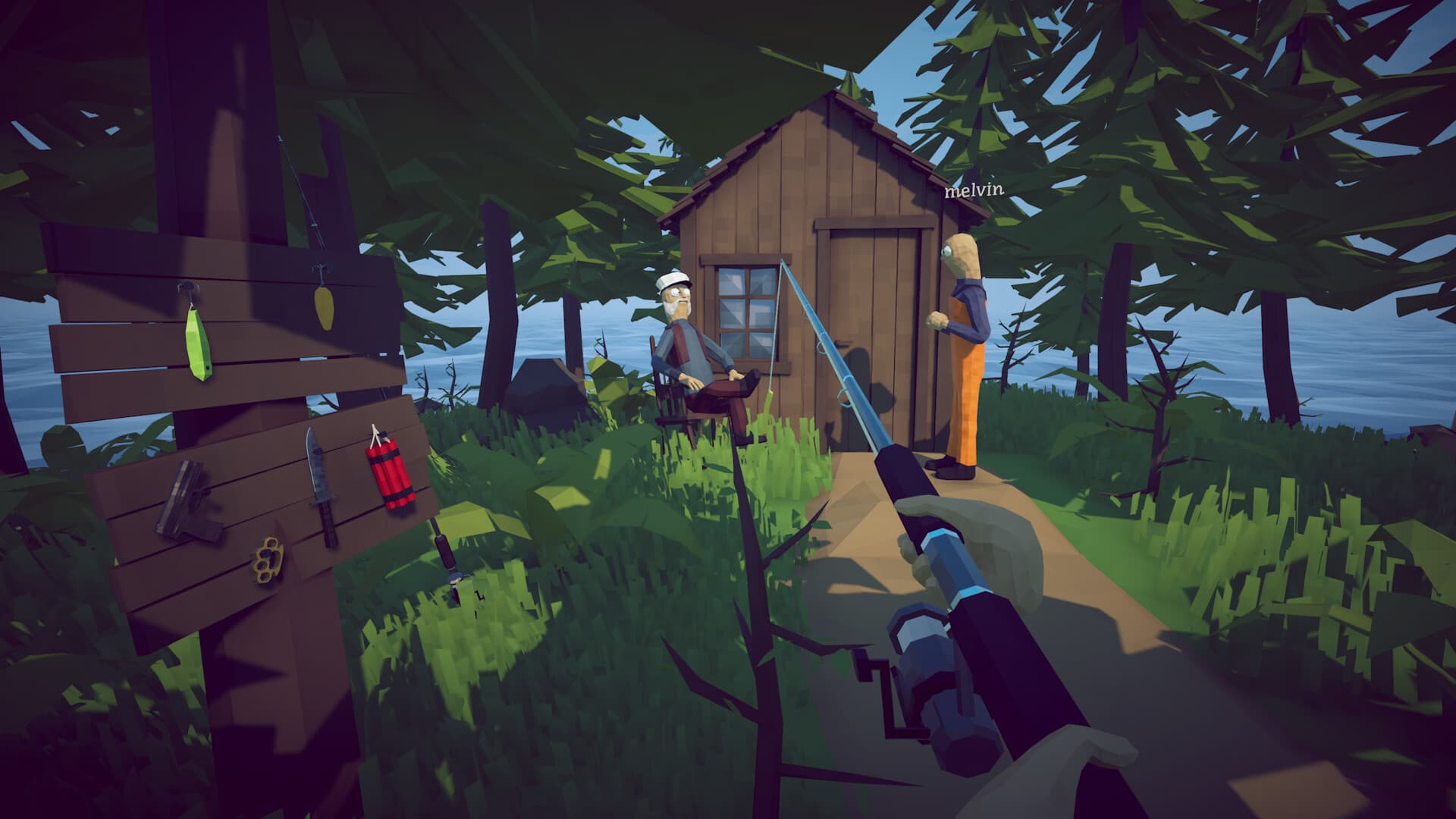
The known community method edits a Windows save and changes SpawnedIsland to 5. Back up the entire Saves folder first, create a disposable save, close the game and Steam, and edit only that copy. This is an unsupported save modification and can break progress after patches.
- Platform
- Windows
- Save folder
- AppData/LocalLow/Dazed Games
- Edited field
- SpawnedIsland
- Risk
- Unsupported save modification
Understand the risk first
The developer island method is not a normal quest or an officially supported menu option. It changes a text save file. A typo, cloud-sync conflict, or later schema change can make the save unreadable.
Use a new disposable save rather than your completion or Bean file. The hidden location is not worth losing a long run, and there is no guarantee that achievements or progression behave normally after the edit.
- Back up the entire Saves directory, not only one text file.
- Close How to Fish before copying or editing anything.
- Keep the unedited copy outside the live save directory.
- Do not continue normal progression from the modified save.
Find the Windows save folder
Open the Windows Run dialog with Windows + R and enter %USERPROFILE%\AppData\LocalLow\Dazed Games\How to Fish\Saves. This direct path avoids the common confusion caused by %APPDATA%, which normally opens the Roaming folder rather than LocalLow.
If the folder is missing, create and save a new in-game file first, return to the title screen, and close the game. Sort the files by modified time to identify the new disposable save.
Create a safe working copy
Copy the full Saves folder to Documents or another backup location and give the copy a timestamped name. Then return to the live folder and open only the disposable save's .txt file in a plain-text editor.
Search for the SpawnedIsland field and change its value to 5. Preserve the punctuation, spacing, and every other field. Save the file as plain text without changing the extension.
Launch and verify
Start the game and load the disposable file. The community guide reports that the altered spawn value places the player on the hidden developer island. Explore, take screenshots, and exit without treating the file as a normal progression save.
If the save list shows a generic Game Name entry or the file will not open, close the game and restore the untouched folder backup. Do not repeatedly resave a corrupted file because cloud synchronization may replace the good copy.
Restore normal saves
After exploring, close the game and move the modified file out of the live folder. Restore the original Saves directory if anything looks different. Re-enable or allow Steam Cloud to synchronize only after the correct local files are visible again.
Frequently asked questions
Where are How to Fish saves on Windows?
The current community path is %USERPROFILE%\AppData\LocalLow\Dazed Games\How to Fish\Saves.
Can the developer island be reached without editing a save?
The currently documented community method uses the SpawnedIsland save field. No normal quest route has been verified for this location.
Will this disable achievements?
Achievement behavior on a modified save is not verified. Use a disposable file and do not rely on it for progression or achievements.
Sources
Facts were normalized and independently rewritten from the references below. Community strategies can become outdated after patches.