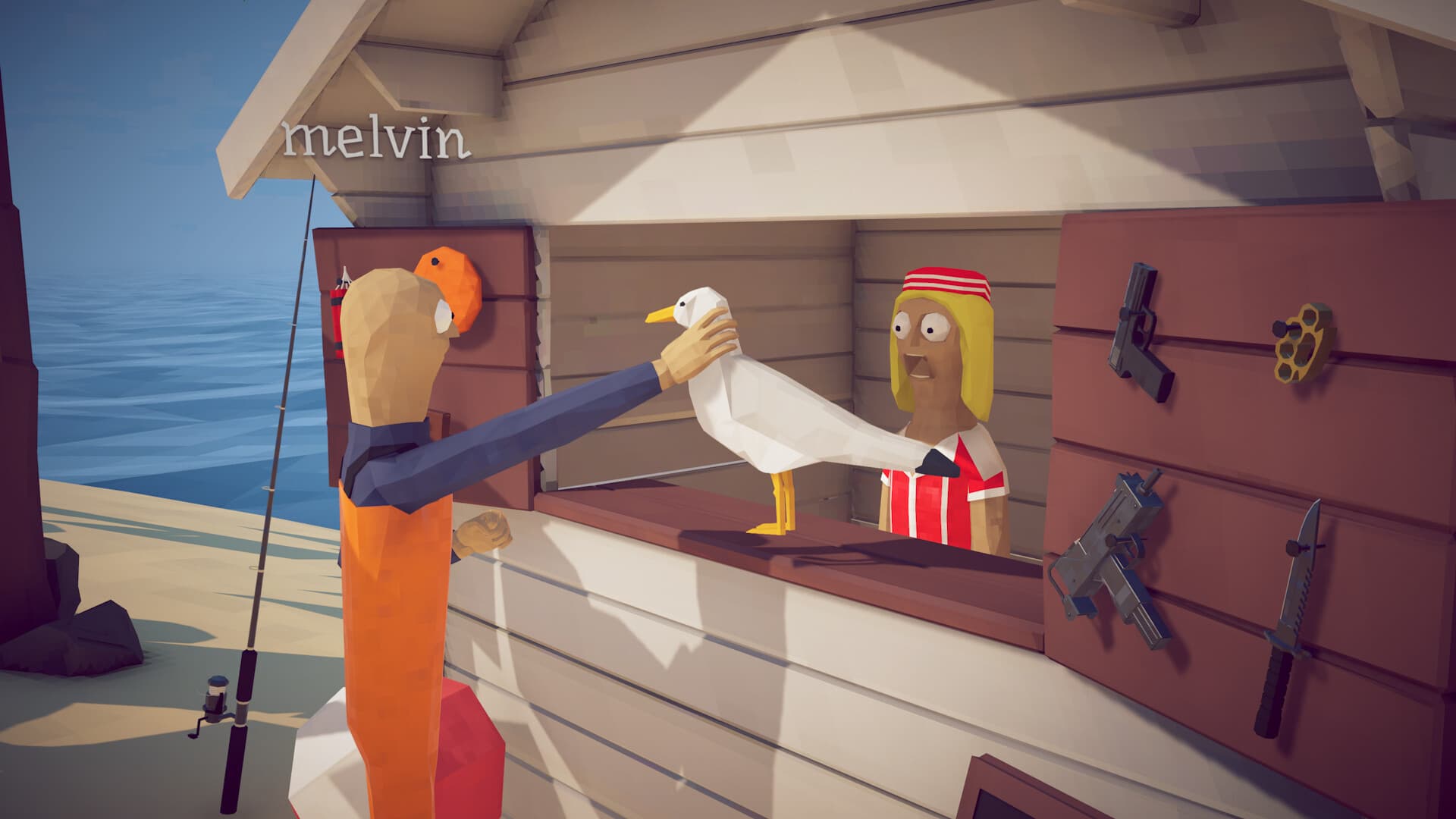
Patch 1.0.12 stops lobby joins from overriding Max FPS and preloads music to prevent the first Radio purchase lag spike. For remaining problems, confirm the active cap, test fullscreen and borderless separately, lower mouse polling for one comparison, and close non-Steam overlays.
- Baseline
- Fixed scene + FPS cap
- Mouse test
- Lower polling temporarily
- Close
- Extra overlays
- Record
- FPS + frame time
Confirm the two Patch 1.0.12 fixes
After joining a lobby, reopen graphics settings and confirm Max FPS still matches your selected value. Patch 1.0.12 fixes FishNet overriding that cap; it does not promise a general frame-rate increase.
The patch also preloads music to prevent a lag spike when the first Radio is purchased. A repeatable hitch elsewhere, or audio distortion without a Radio purchase, is a separate symptom and should be reported separately.
Build a repeatable baseline
Load the same save, stand in the same area, and repeat one slow camera turn. Set a frame limit that the system can sustain instead of leaving the renderer unlimited.
Record average FPS and visible frame-time spikes. High GPU utilization alone is not automatically a fault when the frame rate is uncapped; the useful question is whether performance is stable at the chosen limit.
Separate camera stutter from render load
Lower mouse polling for a temporary test and repeat the same turn. If keyboard movement remains smooth while mouse movement stutters, report the mouse model, polling rate, and result rather than only the GPU percentage.
If every movement stutters, lower one expensive graphics setting at a time and compare fullscreen with borderless. Do not change resolution, cap, display mode, and quality together.
Remove overlay and capture variables
Keep the Steam overlay if multiplayer requires it, but close extra recording, RGB, monitoring, and overlay software for the baseline. Re-enable tools one by one after the game is stable.
Update the active GPU driver from NVIDIA, AMD, or Intel. Avoid third-party driver download sites and do not use registry cleaners as a performance fix.
Report a useful performance issue
Include CPU, GPU, memory, resolution, display mode, frame cap, mouse polling rate, and the island used for testing. State whether the issue appears in solo and multiplayer.
A short frame-time graph or unedited camera-turn clip is more useful than a peak GPU screenshot because it shows when the hitch occurs.
Frequently asked questions
Why did my FPS cap change after joining a lobby?
Patch 1.0.12 fixes FishNet overriding Max FPS on join. Restart Steam, confirm every player is current, and record the before-and-after value if it still changes.
Is 100% GPU usage always a How to Fish bug?
No. An uncapped game can use all available GPU capacity. Set a sustainable frame cap and evaluate stability and temperature at that limit.
Can mouse polling cause camera stutter?
Some players report mouse-movement-specific stutter. Lower polling temporarily and compare with keyboard movement before treating it as confirmed.
Should I disable every overlay?
Close nonessential overlays for the baseline, but keep only what the test requires. Re-enable them one at a time.
Sources
Facts were normalized and independently rewritten from the references below. Community strategies can become outdated after patches.